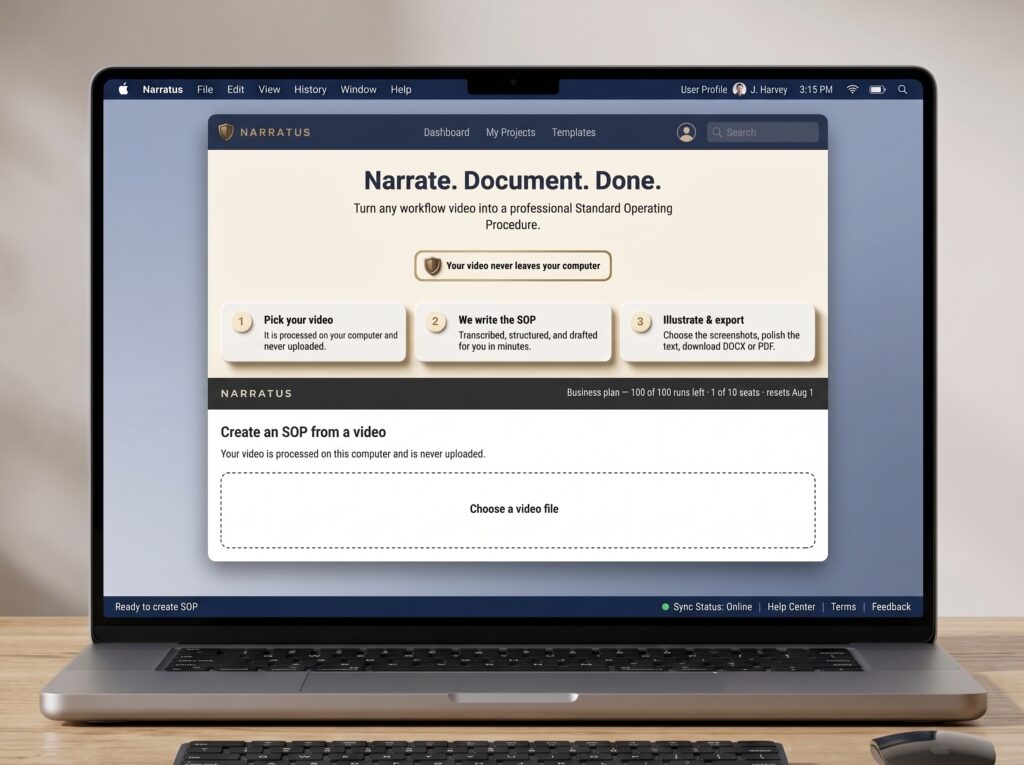
No special equipment. No software to install. No second person needed.
Grab your phone, point it at any process, and narrate what you’re doing as you do it. Walk through a machine setup. Show a kitchen closing procedure. Document an equipment repair. Record a software workflow on your screen.
If you can narrate it, Narratus can document it — in any environment, on any camera.
Supporting bullet points:

Open Narratus in your browser, load your video, and click Create SOP. That’s it.
Narratus extracts the audio, transcribes your narration with word-level precision, detects your action keywords, and captures screenshots at exactly the right moments — automatically. No install, no setup, nothing to configure.
Your video is processed right in your browser and never uploaded. Only the narration audio and the screenshots you choose ever reach our servers — so your recordings stay on your computer, where they belong.
Supporting bullet points:
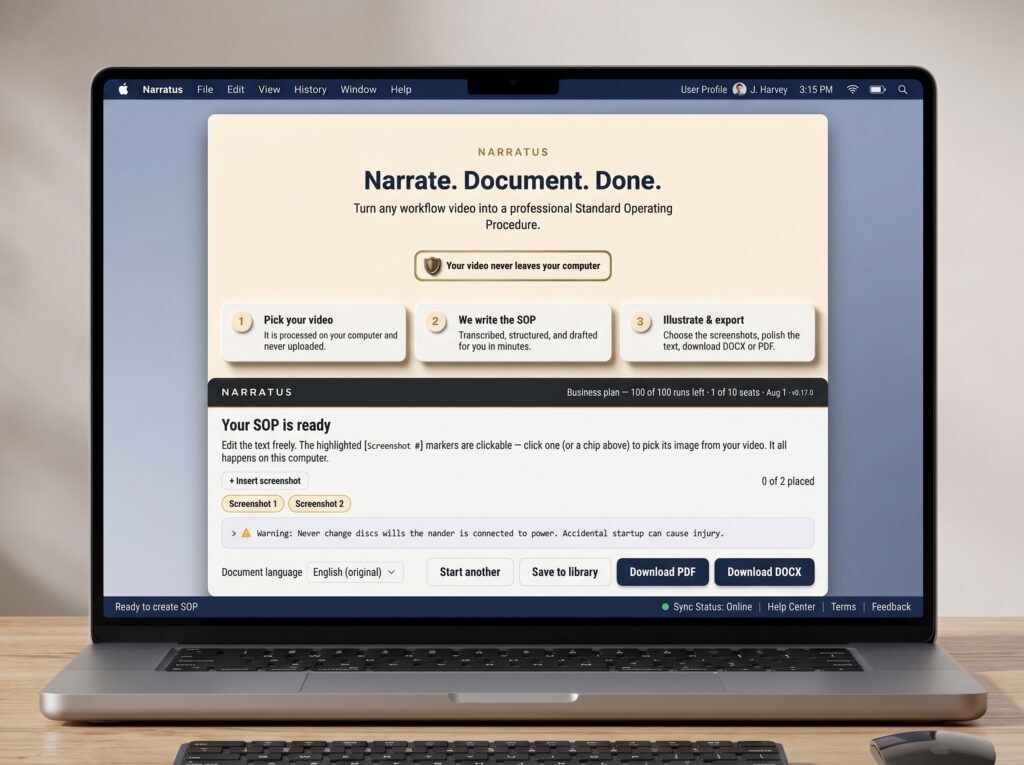
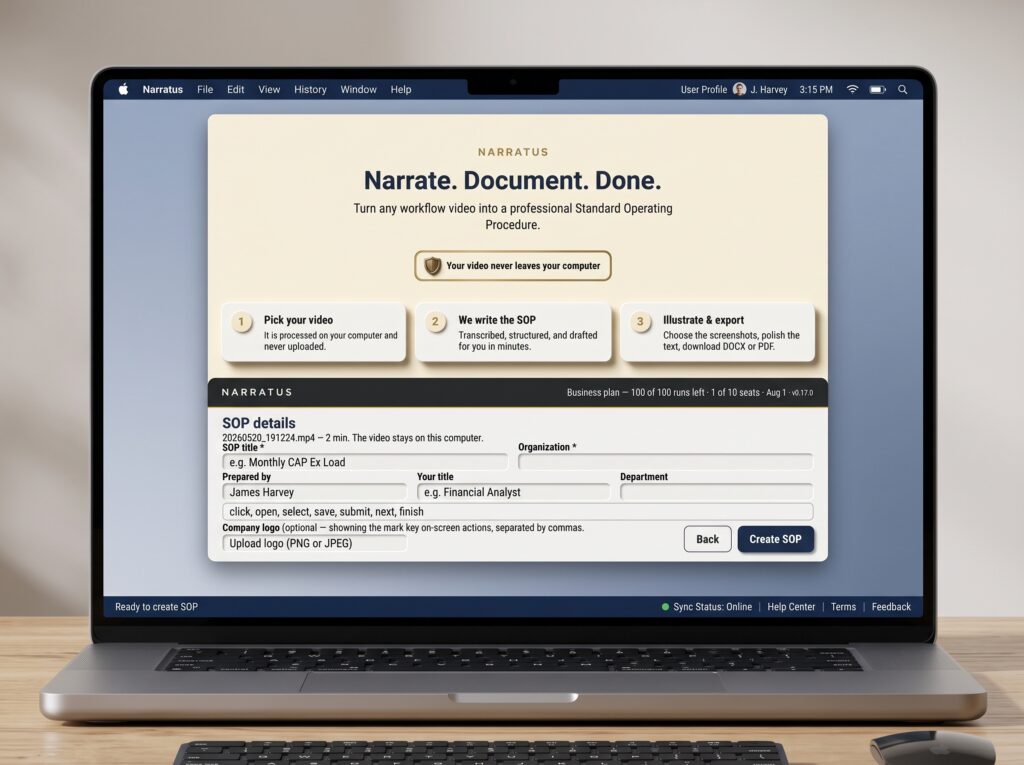
Before your SOP is generated, Narratus shows you every screenshot it captured and lets you keep, delete, or reorder them — right in your browser. Nothing goes into your document that you haven’t approved.
Then review and edit the AI-generated SOP draft before exporting. Fix a heading, adjust a step, add a note — the built-in editor gives you full control before the final document is created.
Export a publication-ready Microsoft Word or PDF document complete with a dynamic Table of Contents, embedded screenshots with captions, proper heading hierarchy, and your company logo. Ready for compliance, training, ISO certification, or HR onboarding — the moment it’s generated.
Supporting bullet points: